New: Board Count AI v2 ships with 97%+ accuracy.See what's new
PalletVisionPalletVision
ProductCustomersPricingResourcesAboutContact
Sign InGet Started

Getting Started

Camera and Zone Configuration

Map real floor operations into zones, workflows, and reporting logic.

Guide Steps

Step 01

Camera Onboarding

Step 02

Edge Server Deployment

Step 03

RTSP Stream Setup

Step 04

AI Model Processing

Step 05

Access and Login

Step 06

Camera and Zone Configuration

Step 06

Camera and Zone Configuration

After login, teams configure connected cameras and map zones within the app.

This includes naming zones, assigning operational intent, and defining production hours.

Accurate zone configuration is what turns raw detection events into trustworthy KPI reporting.
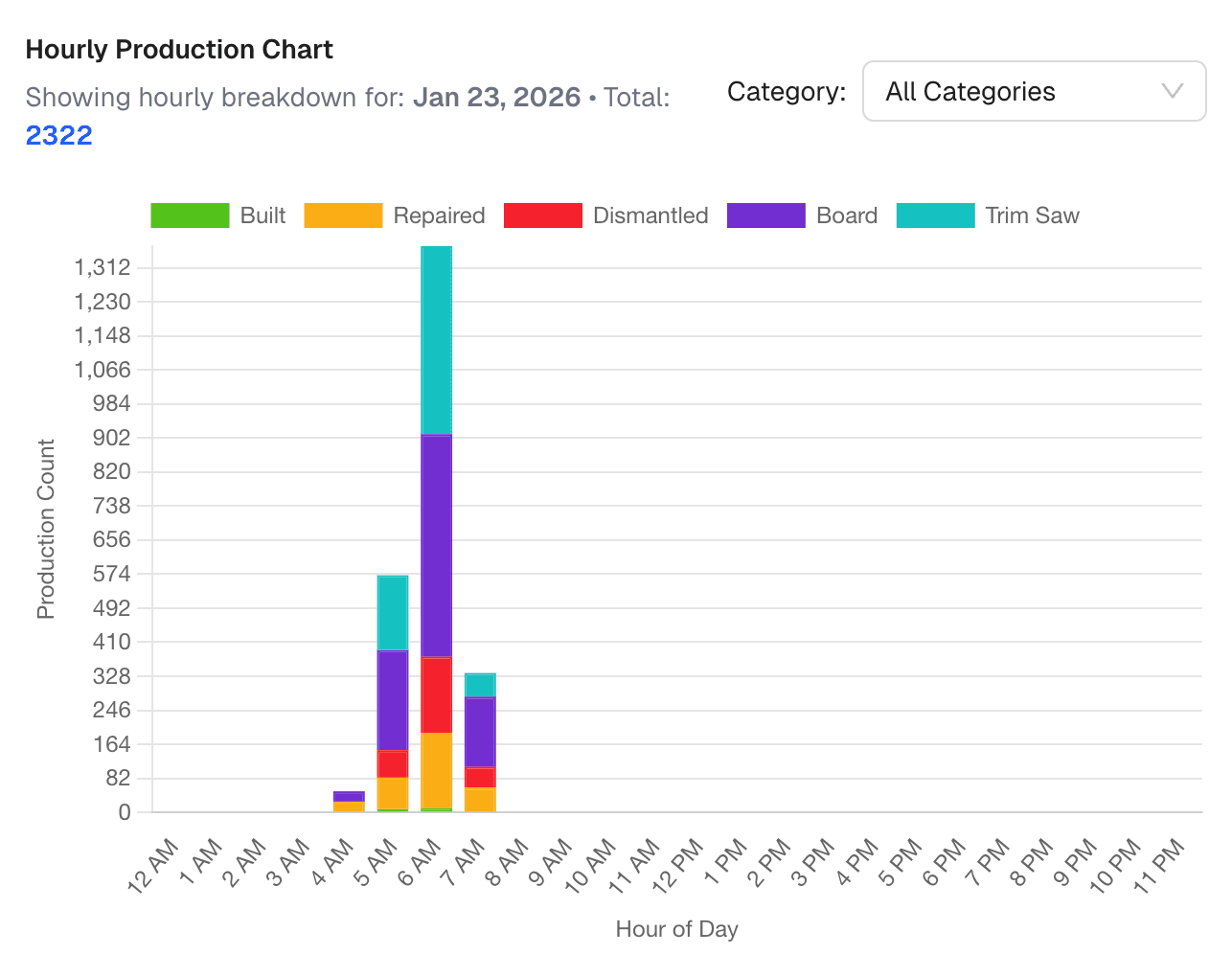
Configuration and operational insights

Checklist

  • Review all connected cameras in the workspace.
  • Create and name zones for each operation segment.
  • Set operations and working-hour schedules per zone.
Previous: Access and LoginBack to Docs
PalletVisionPalletVision

AI-powered production tracking for pallet companies. Real-time counts, ERP integration, zero manual entry.

Stay updated

Get pallet industry AI insights delivered to your inbox.

Solutions

  • Pallet Build
  • Pallet Dismantling
  • Pallet Repair
  • Nailing Machine
  • Board Count
  • Trim Saw Counts
  • How It Works

Company

  • About
  • Contact
  • Pricing
  • Dashboard

Resources

  • Resources
  • Articles
  • Customer Stories
  • Changelog
  • Security
  • Docs

Legal

  • Terms of Service
  • Privacy Policy
  • Cookie Policy
  • Support Policy

© 2026 Pallet Vision. All rights reserved.

info@palletvision.ai