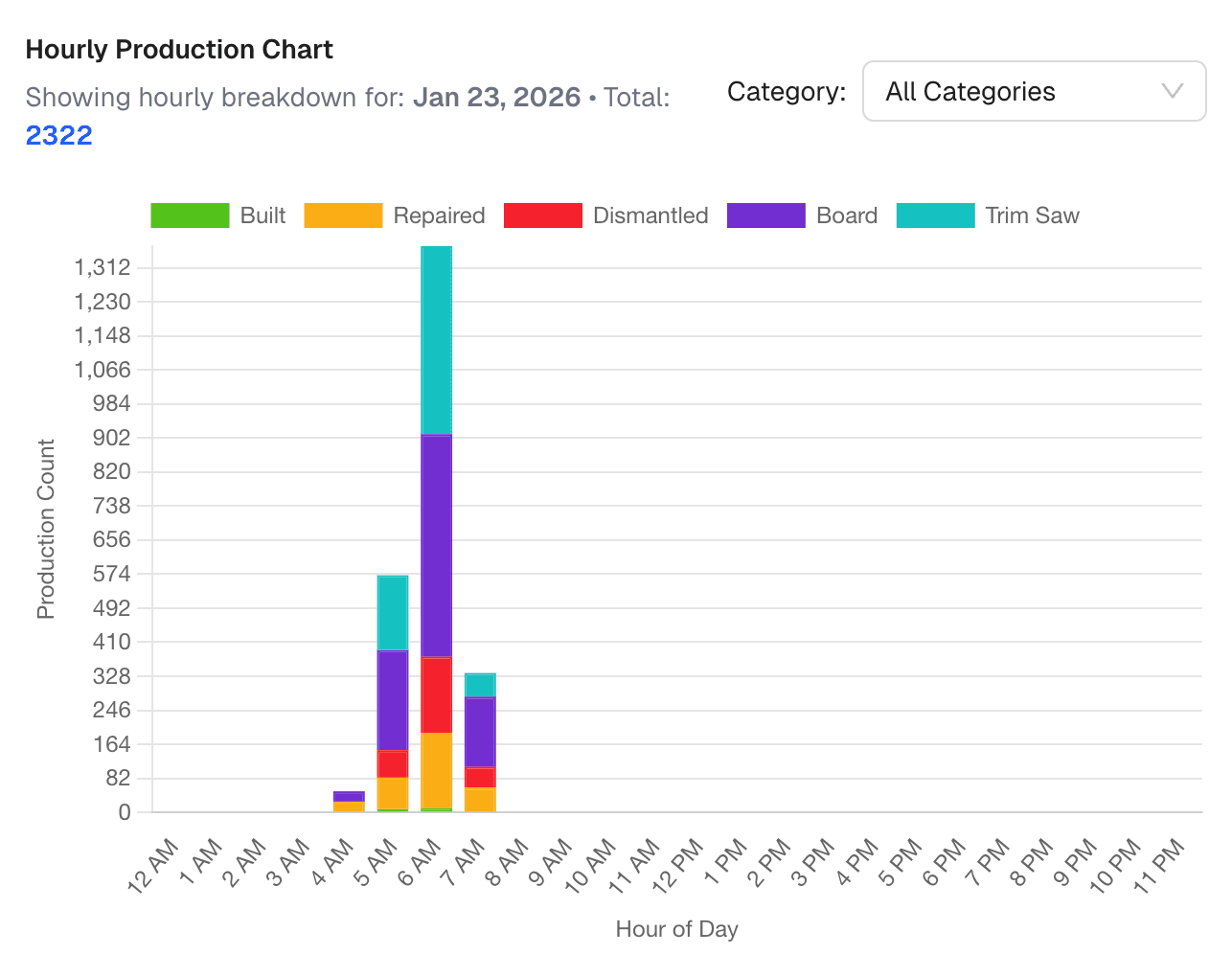
The production floor and the ERP system are the two halves of every pallet operation. When they are not connected, everything slows down.
The Manual Data Entry Problem
In a typical operation without integration, the flow looks like this:
- Workers count pallets manually during the shift
- Counts are written on clipboards or whiteboards
- At end of shift, a supervisor compiles counts
- Someone enters counts into the ERP system
- Reports are generated from ERP data
Every step in this chain introduces delay and error. By the time data reaches the ERP, it is hours old and has been transcribed at least twice.
Common problems:
- Transposition errors: Writing 342 instead of 324
- Missing entries: Forgetting to log counts from one station
- Timing mismatch: ERP shows yesterday's data when you need today's
- Double entry: Same data entered in multiple places with different numbers
What Automated Integration Looks Like
With PalletVision connected to PalletConnect ERP, the flow becomes:
- Camera detects a pallet event
- Count updates in PalletVision dashboard in real time
- Event data syncs to PalletConnect automatically
- ERP records update without human intervention
No clipboards. No manual entry. No lag.
What Syncs Automatically
PalletVision sends the following data to PalletConnect:
- Production counts by type (build, repair, dismantle, board, trim saw)
- Timestamps for each event
- Station/zone identifiers so counts map to specific work areas
- Shift data tied to configured shift schedules
In PalletConnect, this data flows into:
- Work orders — production counts update open orders automatically
- Inventory — finished goods counts adjust in real time
- Production reports — shift and daily reports populate without manual work
- Billing — customer-facing production records reflect actual output
The Impact
Operations that automate the production-to-ERP connection typically see:
Immediate:
- Elimination of all manual count entry (20-40 hours/week saved)
- Data available in ERP within minutes instead of hours
- Zero transposition or double-entry errors
Within 3 months:
- Faster invoicing (production data is in ERP the moment it happens)
- Fewer billing disputes (both parties see the same data)
- More accurate inventory (no end-of-day reconciliation needed)
Within 6 months:
- Better forecasting (historical data is more complete and accurate)
- Improved costing (actual production data ties to specific jobs)
- Reduced admin overhead (less time fixing data discrepancies)
Beyond PalletConnect
While PalletVision has native PalletConnect integration, the data is also available via:
- API — pull production data into any system
- Flat file export — CSV/JSON exports for import into other ERPs
- Webhook notifications — real-time event notifications for custom integrations
Getting Started
ERP integration is configured during PalletVision onboarding. For PalletConnect users, it is a single configuration step — enter your PalletConnect credentials and map your stations. Data starts flowing immediately.